Quick Tour
This tour offers a brief overview of the complete NOA IIoT platform, making it a great starting point if you're not yet familiar with it. If you already know the basics, check out the Guides and the Reference for NOA Cloud and NOA Edge for more detailed information.
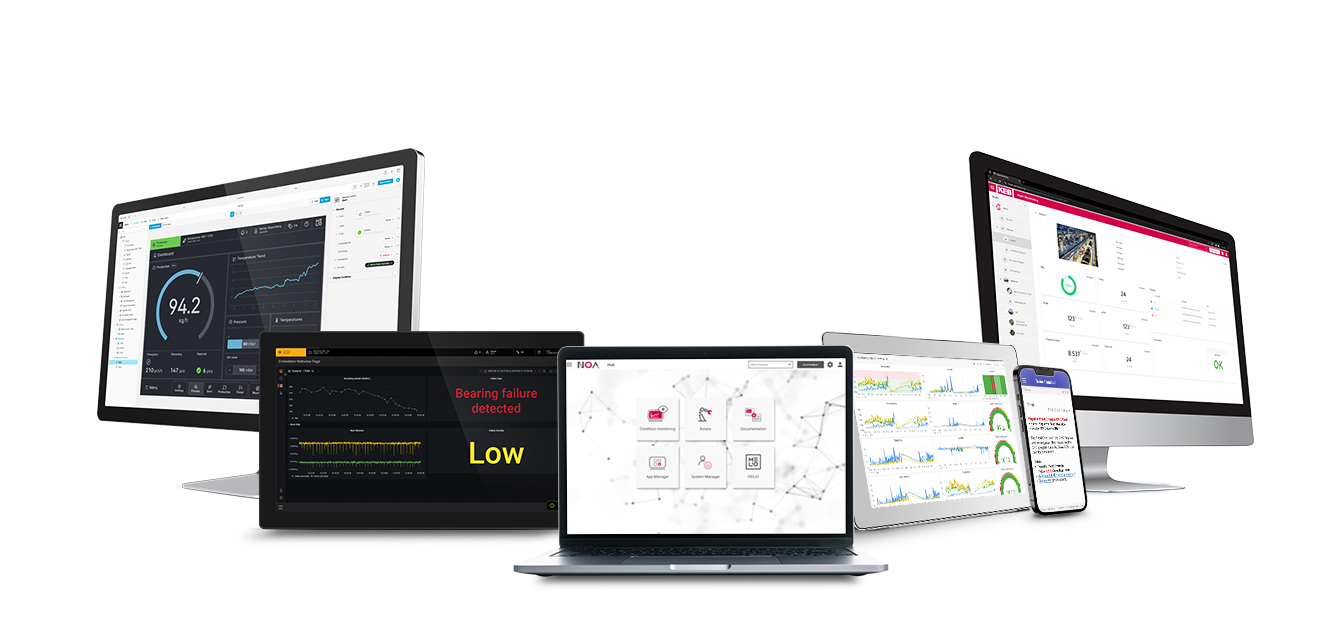
For this tour we assume the following setup
- Windows PC or Laptop in the same network as your Edge Device, browser available (Chrome, Edge)
- C6 COMPACT 3 (C6C3) with NOA Core (IP address
<ip>, in the example below10.120.104.64); all licenses installed - The C6C3 is configured as a controller i.e., runs a PLC program and exports symbols; access with a username and password
- The C6C3 is connected to the internet (to start: use DHCP i.e. leave "Manual IP Assignment" disabled in System Manager)
- NOA Portal user and tenant set up, see Get an Account
This tour has two steps
- Set up NOA Edge to access PLC data -- Read this first; you'll need an edge device to work in NOA Portal
- Connect the edge device to the NOA Cloud and visualize the PLC data