License Manager

Add and return (delete) any licenses for NOA Apps e.g. Codesys Control.
info
Make sure the device is connected with the internet. Offline activation is not supported, yet.
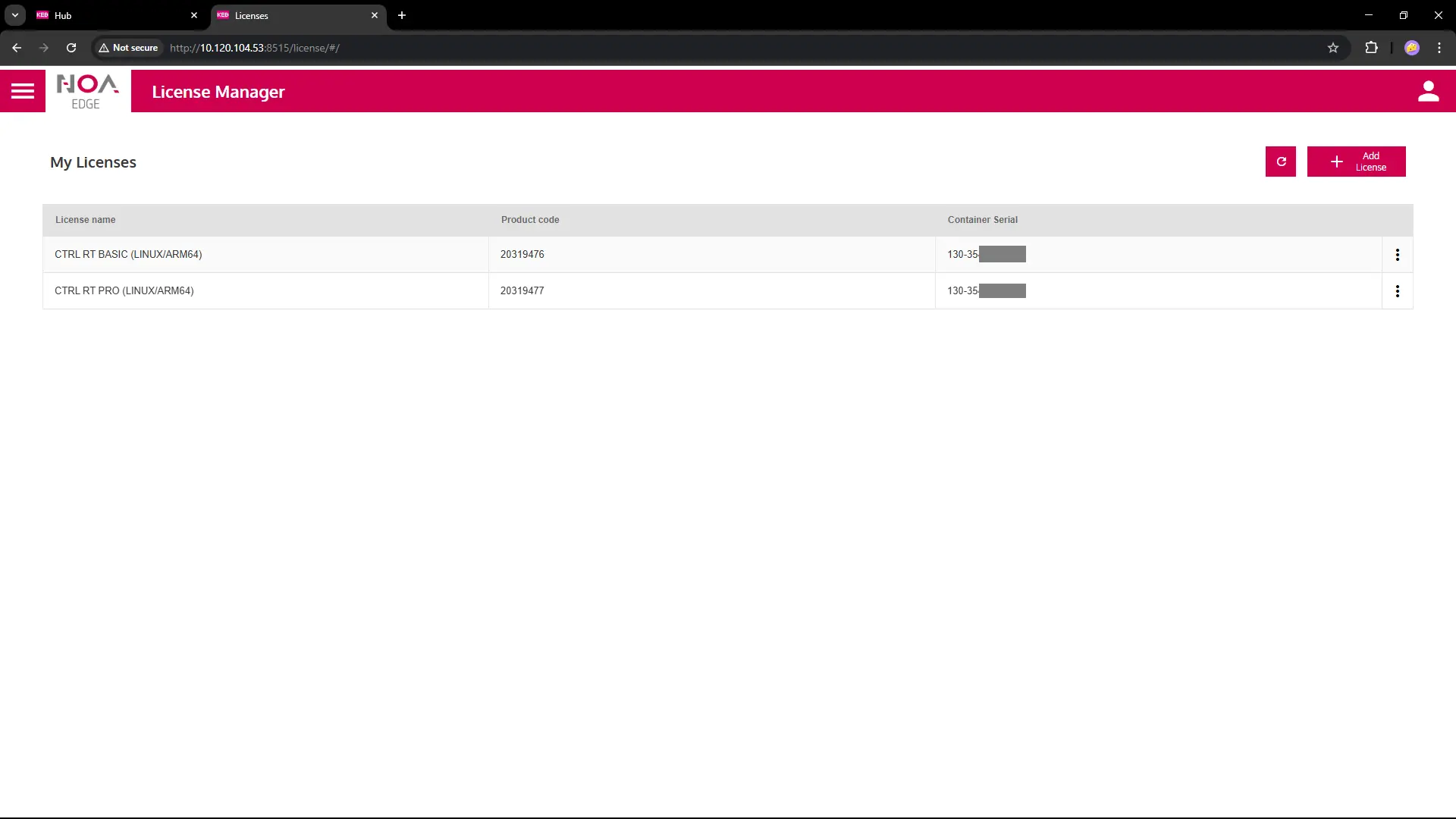
Add a License
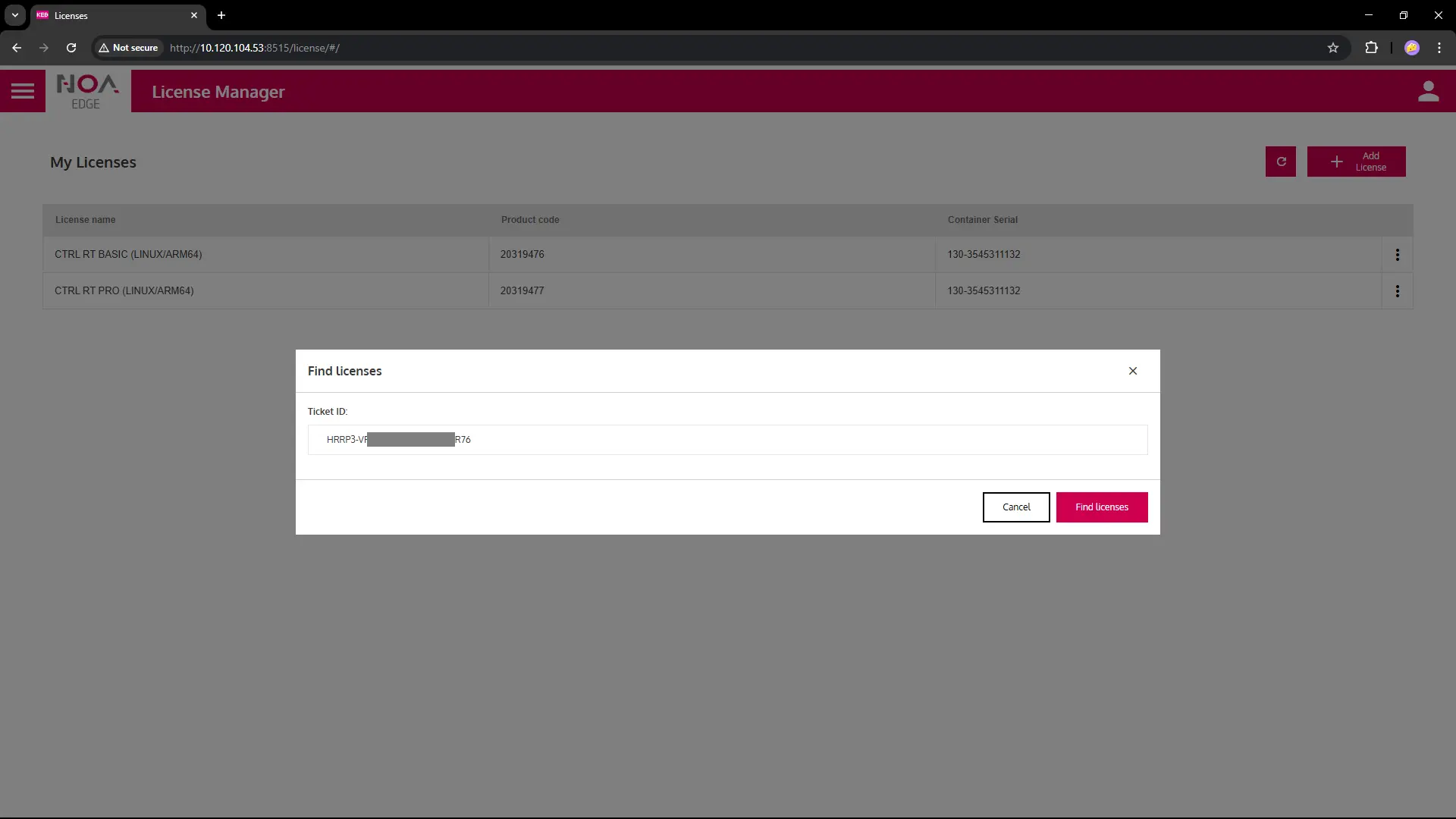
- Press "Add License" button, enter Ticket ID in corresponding field
- Select a license from the list (known limitation: only single-selection possible: repeat for multiple licenses)
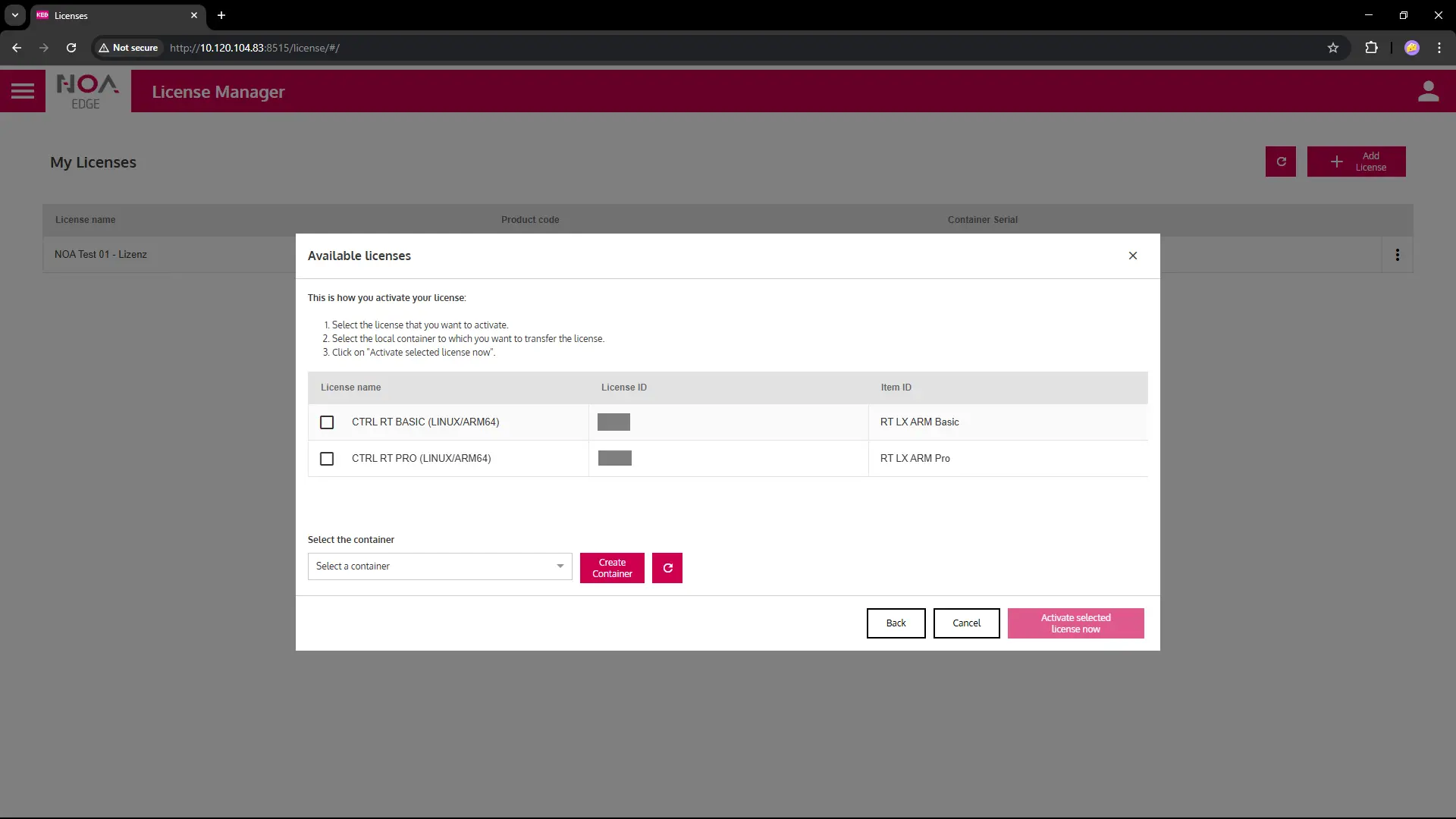
- If necessary: Create a new Container to store the licence(s)
- Activate the selected license now
- The license shows in the list
Return a License
info
The license will be deleted from the device only. It is returned to the license pool and may be re-used afterwards.
- Click on the three-dot menu on the right of a row and select "delete"
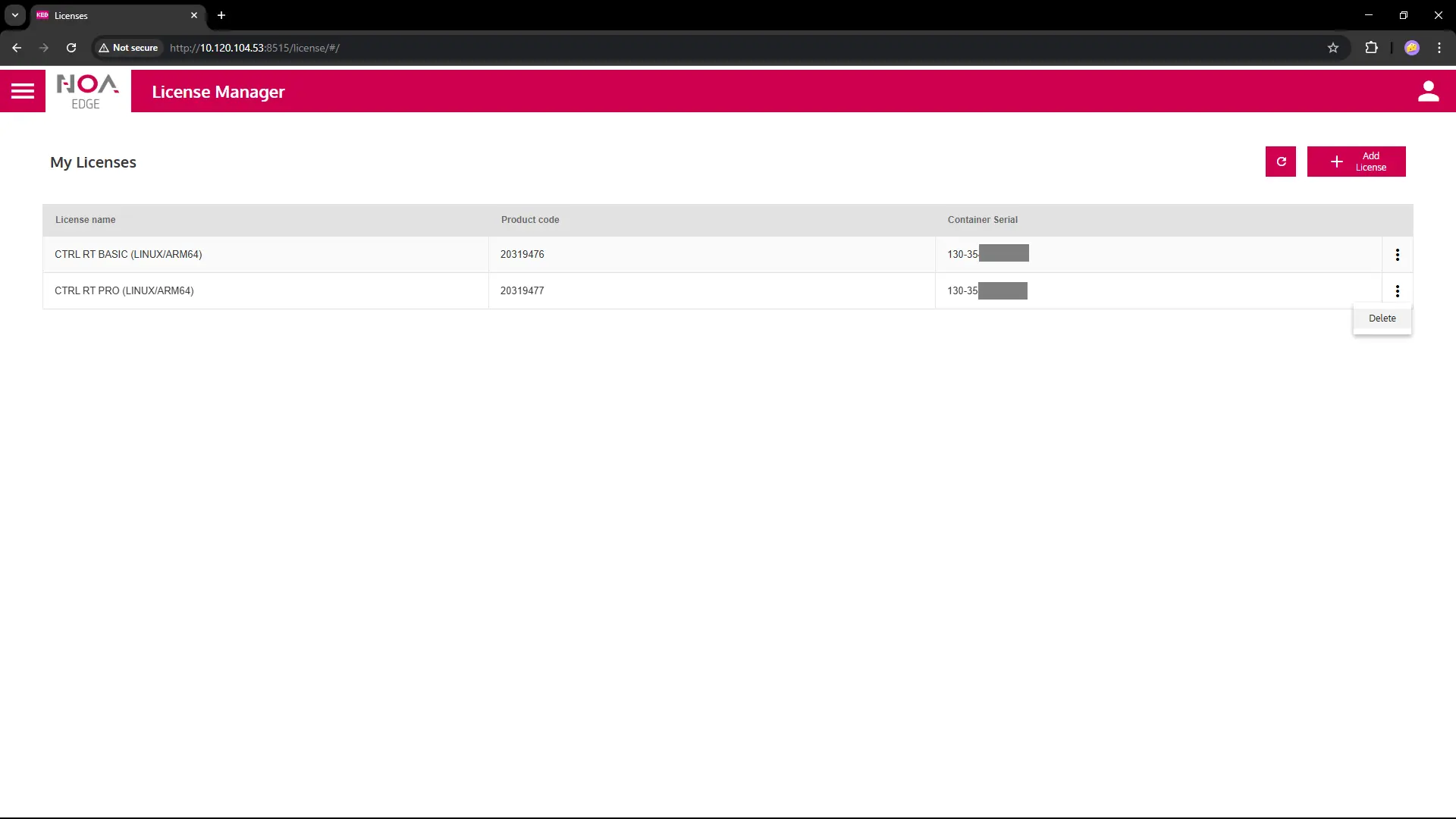
- Enter the Ticket ID you used when adding the license
Then click button "Remove License"
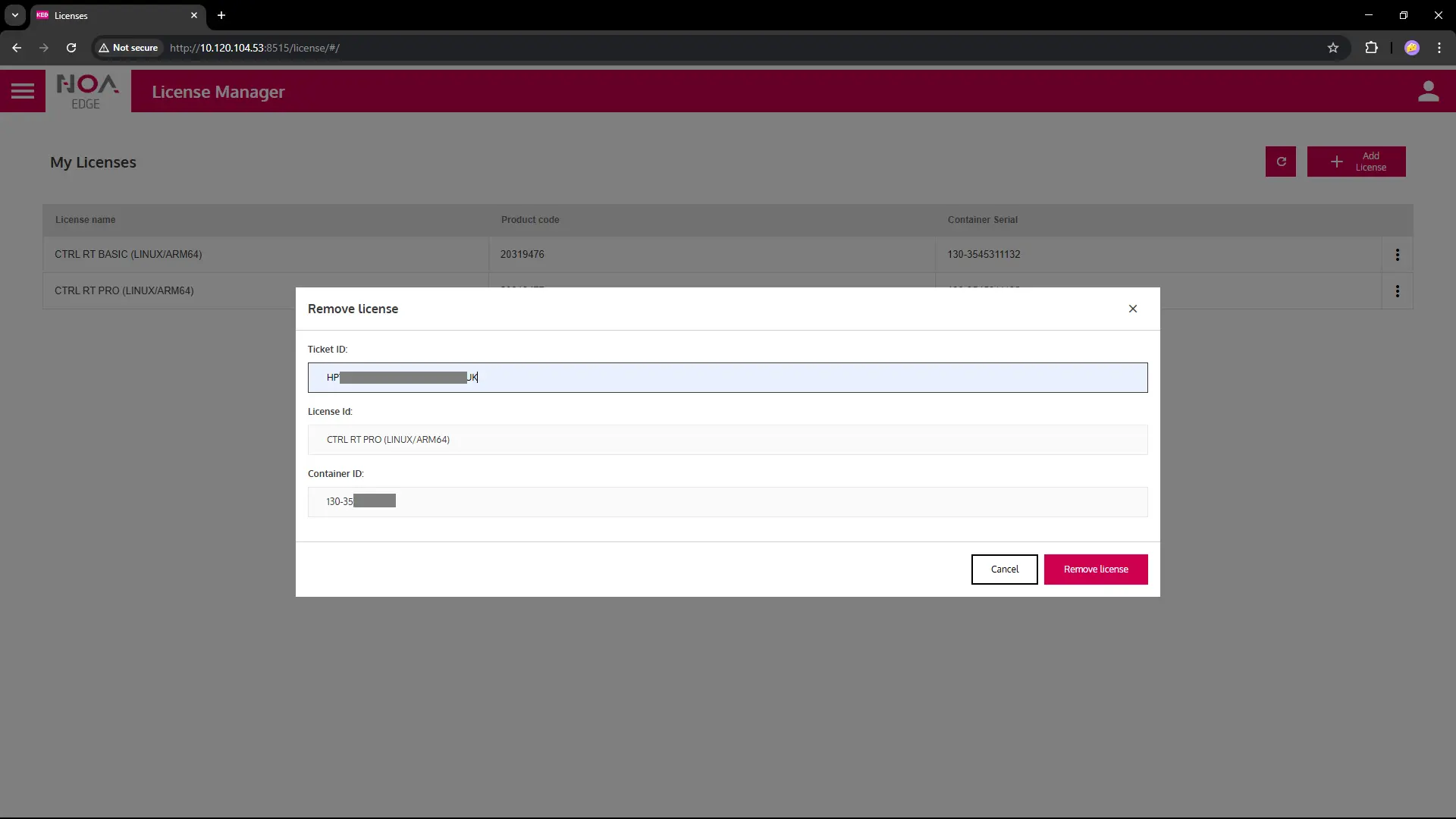
- When the license was returned sucessfully the row is removed from the list "My Licenses"