NOA Data Communication
The data communication apps in NOA enable to read and write variables from different data sources. All communication passes through the NOA Bus.
Communication apps provide data from a source to the NOA bus, e.g. for telemetry in NOA Portal or to build an HMI with HELIO
Create a Connection
Prerequisites
- Install the appropriate Communication app in the App Manager
- Get and activate a license in the License Manager for each single connection
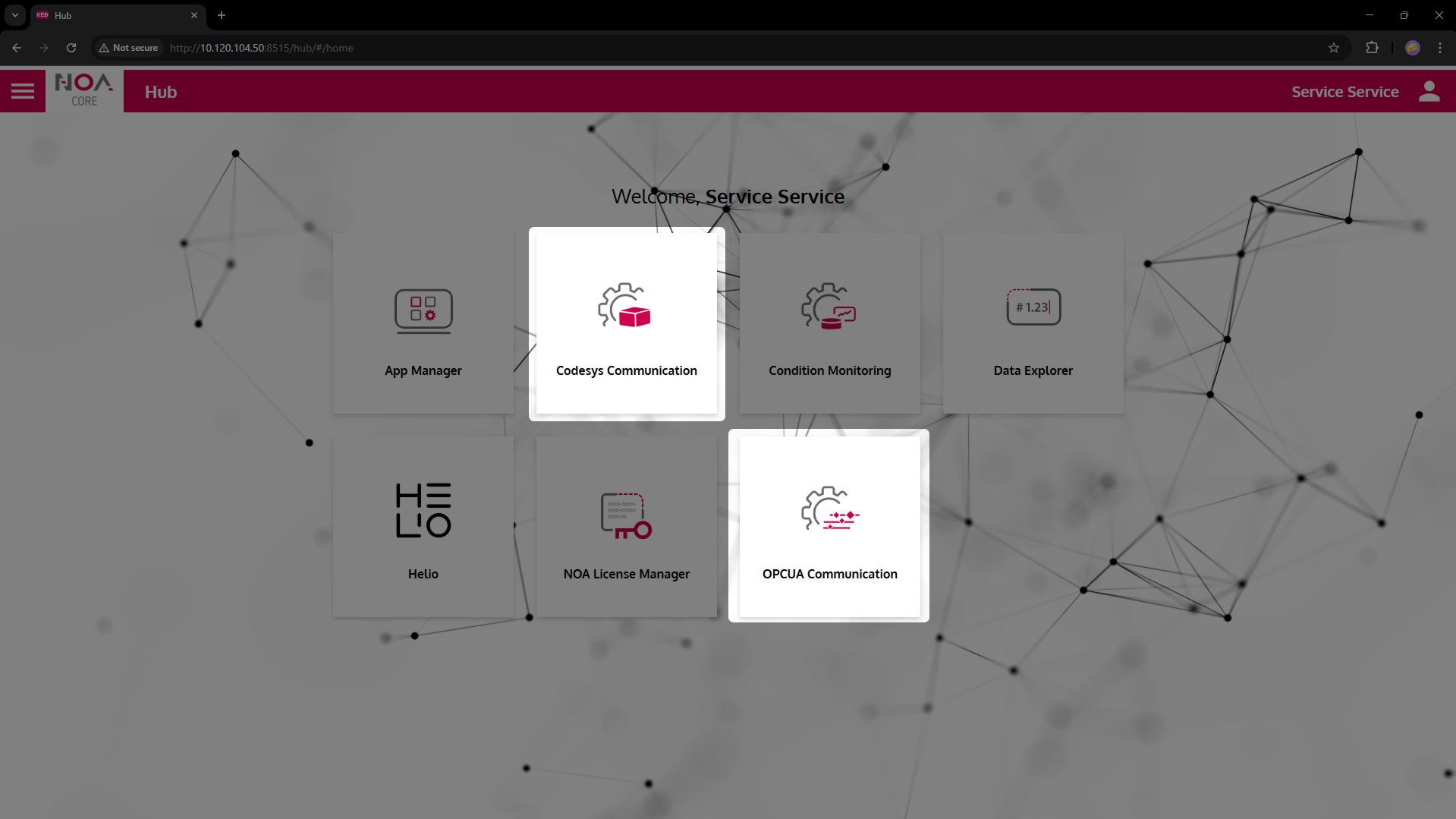
For each communication app a tile on the Welcome Page to access the configuration is available.
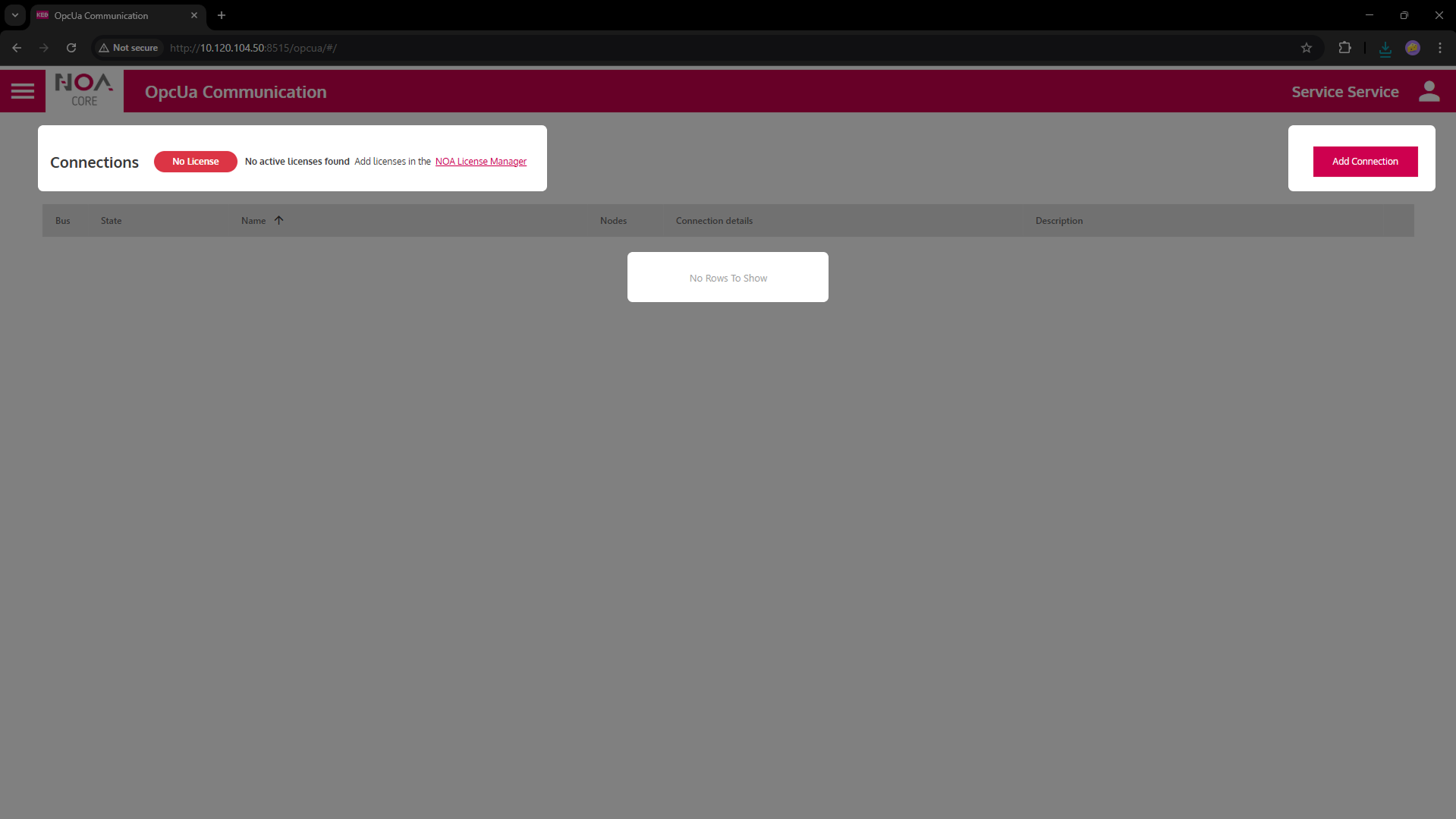
Inside the configuration a list is shown with the existing connections. This table initially is empty.
- Create a new Connection with the button "Add Connection"
- Specify the General Settings for the new connection: "Name" and "Sampling Rate"; some kind of target address (URL, IP address, ...)
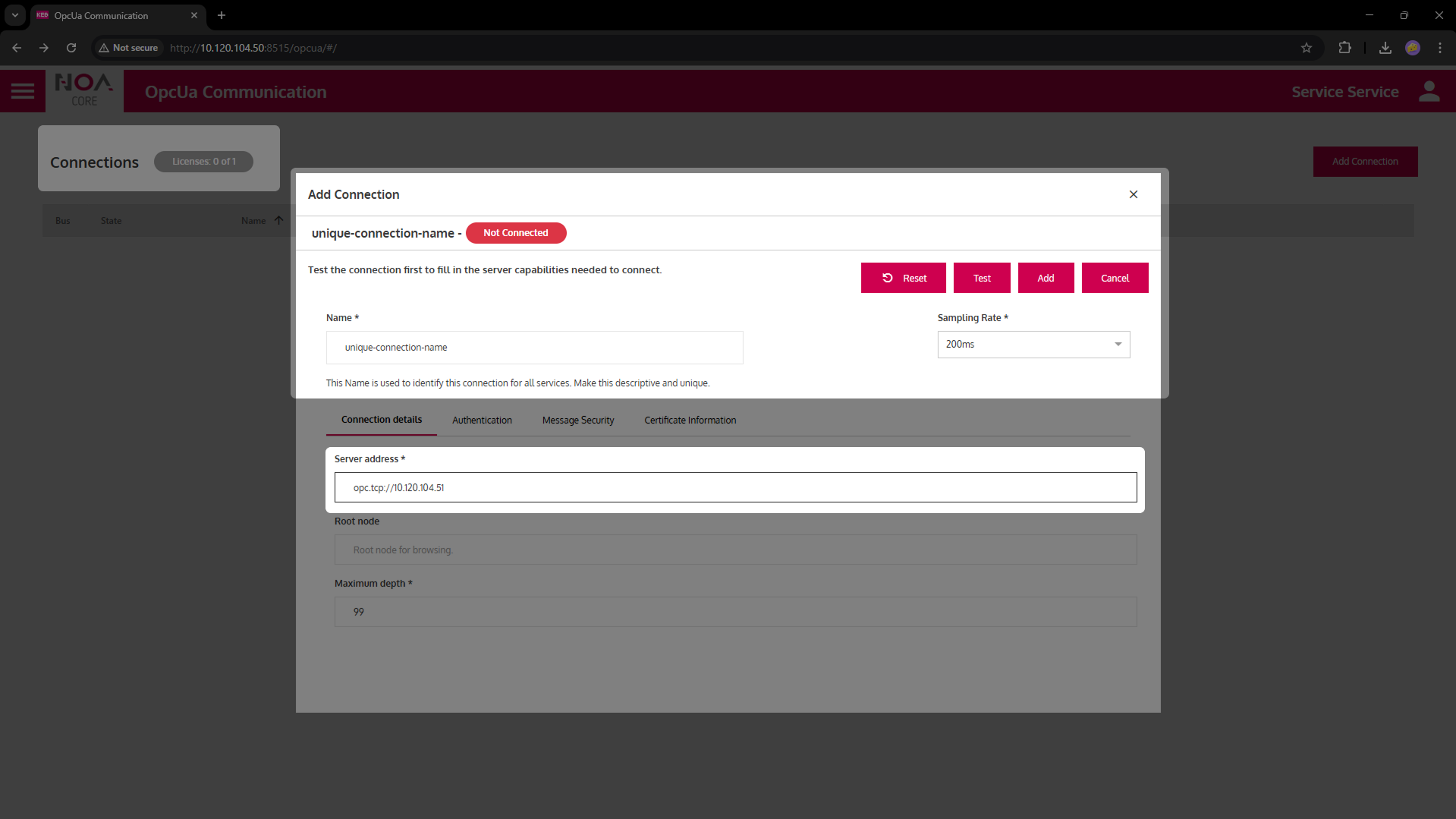
- Set the parameters specific to the Communication App -- see the corresponding section in this documentation
- Confirm the new connection with the button "Add" -- this will add the connection to the list
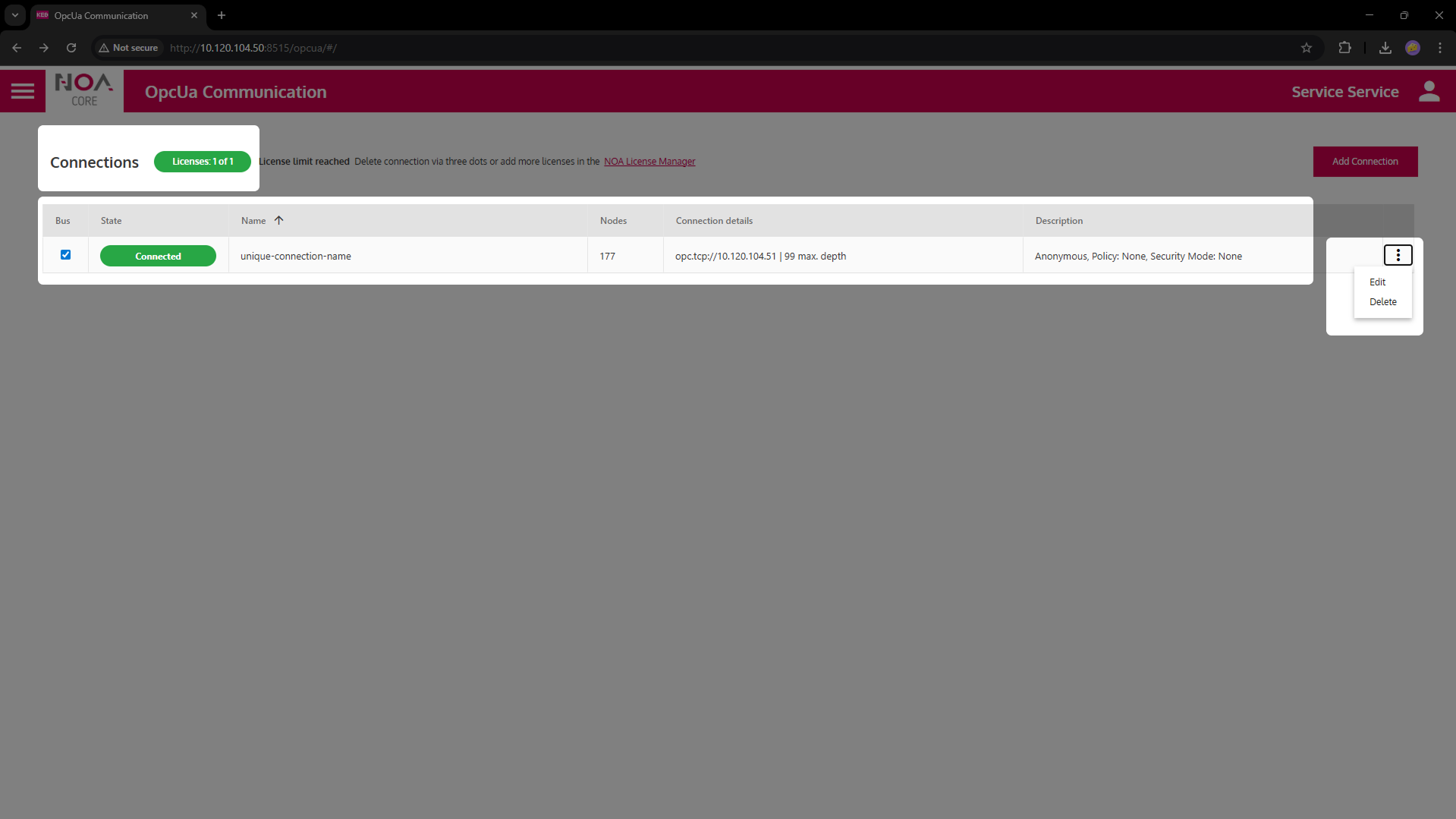
You can edit or delete any existing connection:
- To edit click on the row of the connection;
- to delete chose the option from the three-dot menu at thre right of each row.
General Settings
| Variable | Data Type | Description |
|---|---|---|
| General | ||
| Name | Descriptive Name for each connection | This name will be used as root node for this connection e.g. in Data Explorer and HELIO NOA Connection |
| Sampling Rate | How often data is expected from this connection | This is a hint to the communication app; it is up to the app if it can fulfil this sampling rate. The communication will send data at it's own discretion. |