Install Windows Client
Installation
-
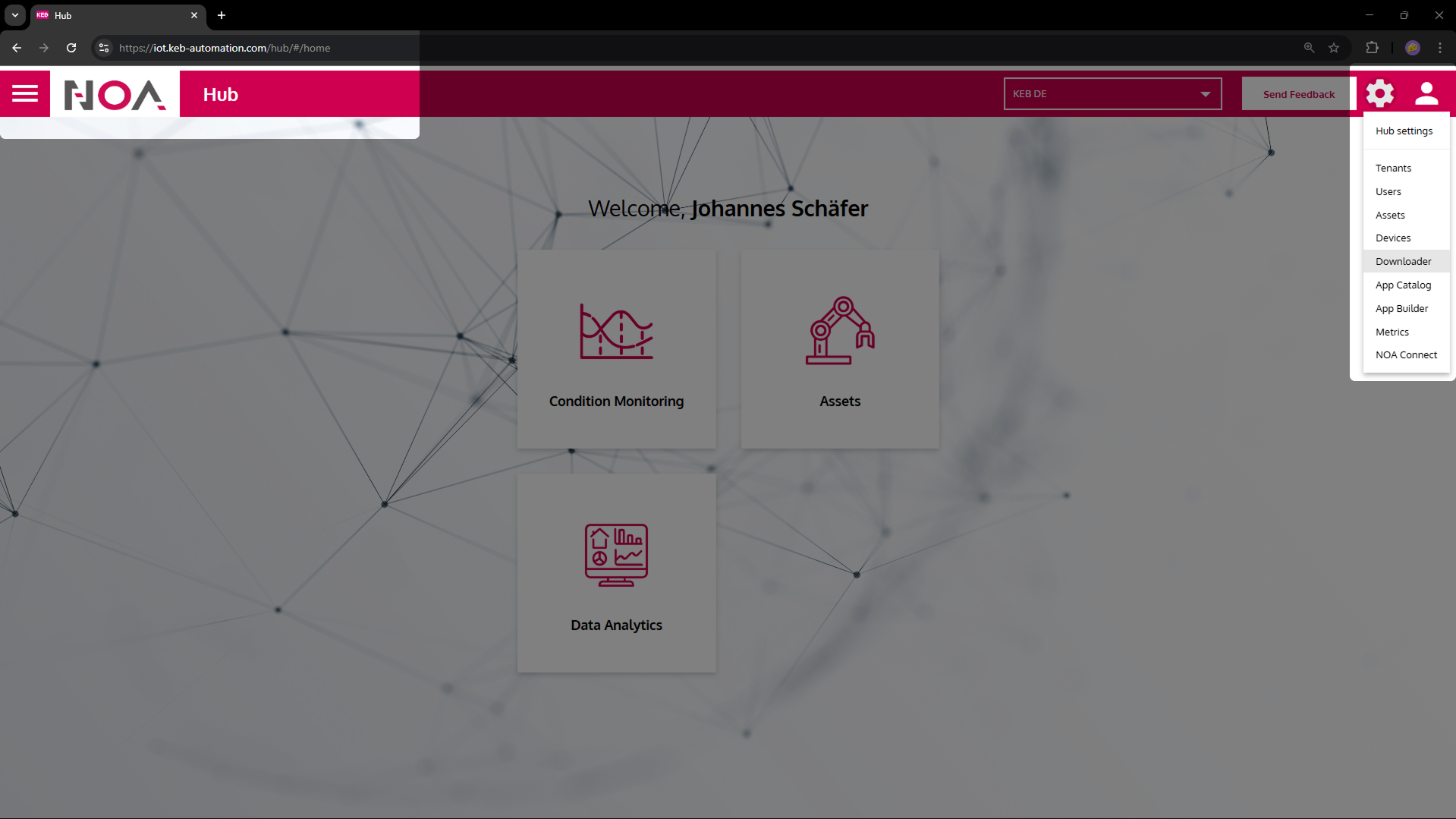
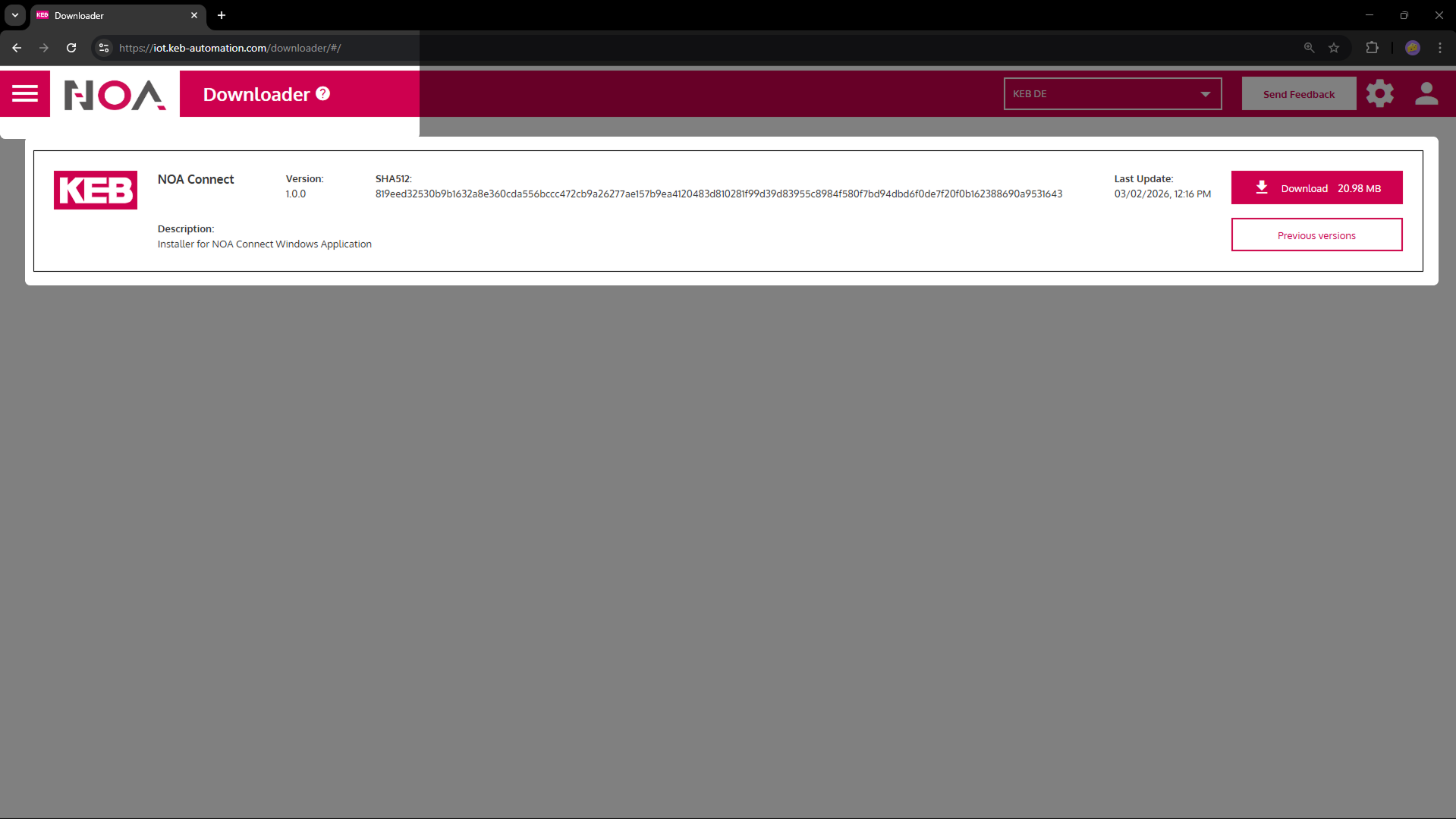
Download the installer from NOA Portal > Cog Wheel Menu > Downloads
-
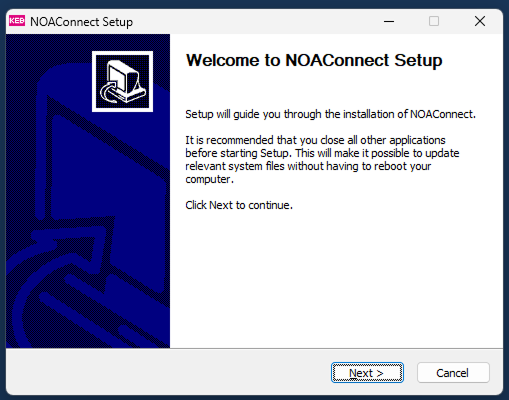
Run the installer
It will install the following: A Windows service that runs in the background and needs to be installed with admin rights. This part creates the VPN connection. An application NOAConnect which is the frontend client to create a connection to the edge
To install follow the steps in the installation wizard.
infoThe installer may ask to uninstall an older version first. Follow the instructions to uninstall. The update will start automatically afterwards.